



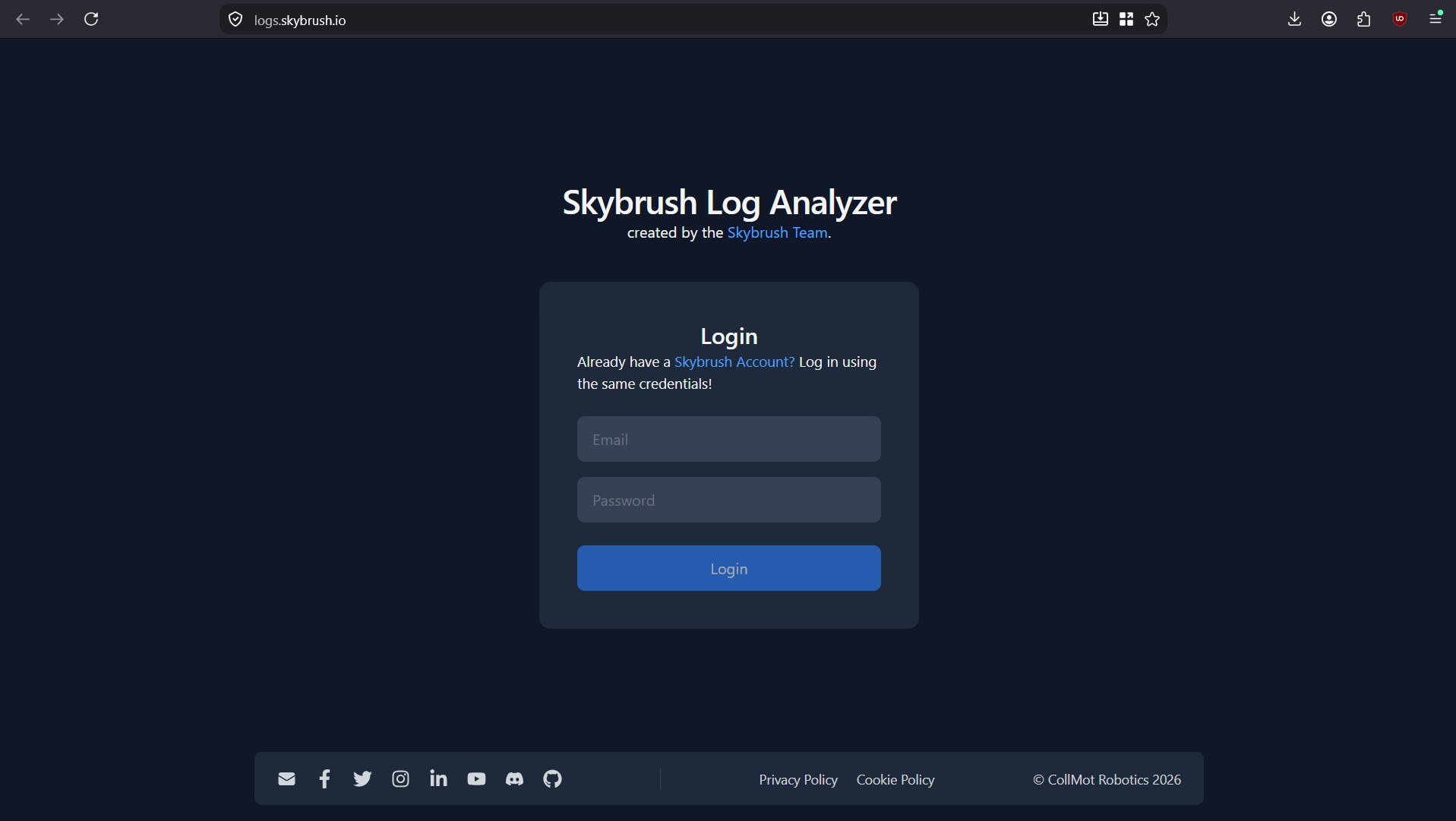

Tired of trawling through ArduPilot logs to track down the root cause of unexpected flight events? Meet Skybrush Log Analyzer 3.5, the new version of our agent-ready, Q&A-style ArduPilot log analyzer.
Skybrush Log Analyzer is a focused tool for deterministic ArduPilot log analysis, built for engineers and AI workflows. It can save a lot of time and effort for you and for your AI agents when evaluating the performance of your drones or when searching for the root cause of unexpected flight events.
Where does Skybrush Log Analyzer come from? #
We are swarm robotics researchers and developers of Skybrush, the most popular open-source drone swarm and drone show control framework. We have been building Skybrush Log Analyzer for many years, mostly for ourselves, as a handy in-house tool, to help us find quick and accurate answers to all the typical issues raised by our extensive pool of drone manufacturer and drone operator clients worldwide who fly extremely large fleets of drones on a daily basis and need immediate response and root cause analysis when any unexpected event happens with their drones.
The workflow of Skybrush Log Analyzer is very simple: you choose from a predefined set of test questions, run the related deterministic tests on your log file(s) and get immediate qualitative answers in an organized form.
What can you do with Skybrush Log Analyzer? #
Skybrush Log Analyzer has two main workflows: immediate log analysis and historical data comparison.
On the Analyze page you can upload a log file, select your test questions and get immediate test results grouped by the severity of the responses (INFO, PASS, WARN, FAIL, SKIP, NOT_APPLICABLE). If the overall feedback is overwhelming, you can also filter your test results very quickly and conveniently by any keyword of choice.
Skybrush Log Analyzer does not store your log files, but does store the test results privately for later comparison. For this purpose, you can also annotate your log files so that you can find them easily later.
On the History page you can reload and check past test results, compare results of a single test on multiple log files, compare ArduCopter parameters stored in each log file, and get basic statistics on your log files analyzed so far.
How to use the Skybrush Log Analyzer API/CLI with AI agents? #
We have also released a new public Skybrush Log Analyzer API that authenticated users can reach from a new command line interface by themselves or through their AI agents.
First of all, you need to generate an API key in the development area of your Skybrush account to use the API or the command line interface.
Secondly, download the public, open-source Skybrush Log Analyzer CLI GitHub repository that contains convenient wrappers for the Skybrush Log Analyzer API, with documentation and skill definitions for AI agents.
After cloning the repo, follow its README. Your AI agent will immediately know what to do with it to get you deterministic log analysis results with high information content as soon as possible, with using much less tokens compared to direct agentic log analysis.
How to buy? #
Skybrush Log Analyzer is currently free of charge during its beta phase — try it now with your own logs. We are planning to introduce a convenient subscription model in the future to cover maintenance and further development costs.
If you already find Skybrush Log Analyzer useful and wish to support us, please consider a one-time or recurring donation.
Providing feedback #
Skybrush Log Analyzer contains a finite set of test questions and might miss the specific one you wish to ask. In this case just send us your query through the feedback form on the Skybrush Log Analyzer UI and our engineers will contact you and try to come up with new tests answering your questions as soon as possible.
You can also send human or AI-assisted feedback through the API/CLI with the /feedback route (see the agent skill definition for more details).
We also encourage you to share feedback on our Discord server about bugs, feature requests, or other ideas.
Community feedback significantly shapes the evolution of the open-core Skybrush ecosystem, including Skybrush Log Analyzer. Thank you for contributing.
Ready to see what Skybrush Log Analyzer can do with your own data? Try it now → Start analyzing